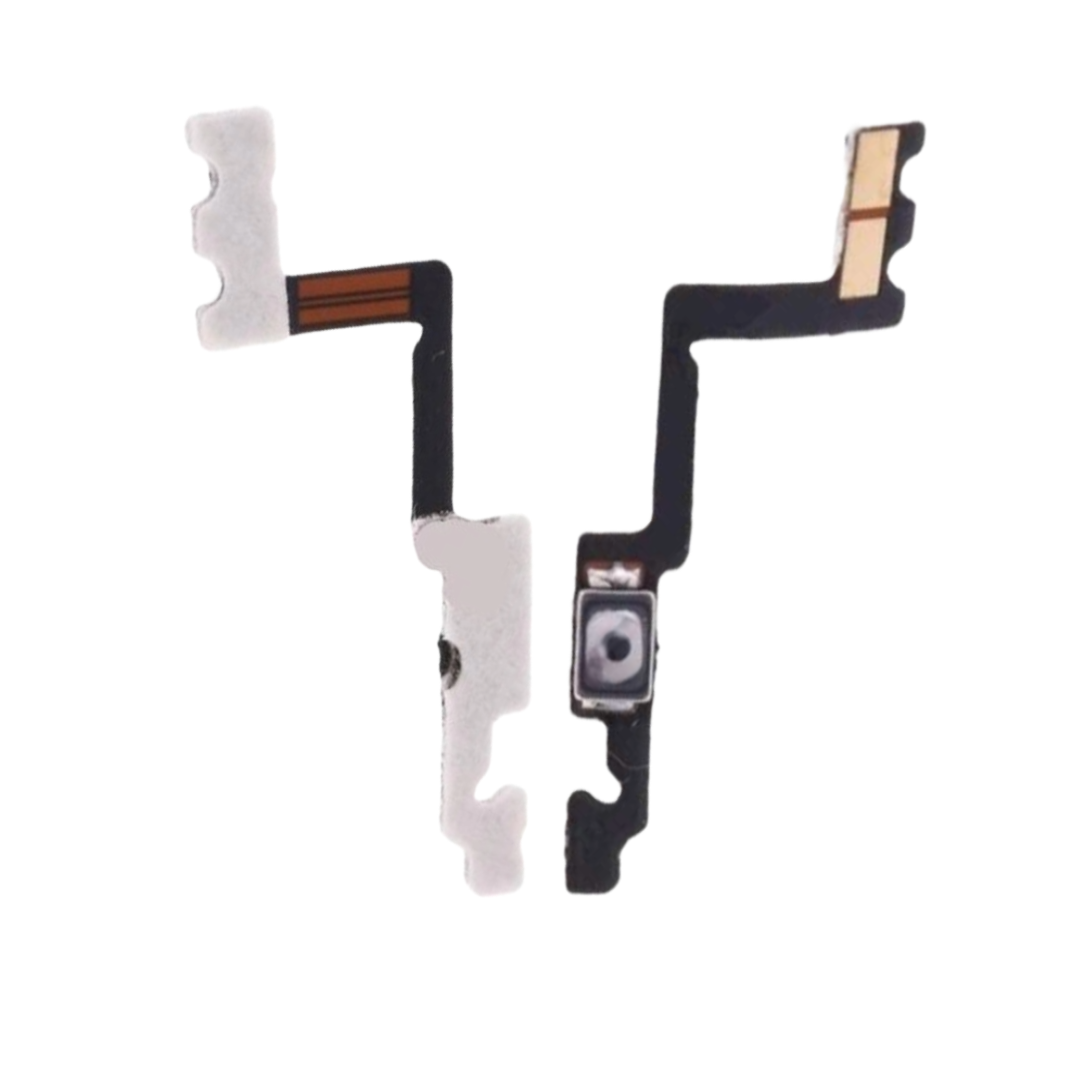
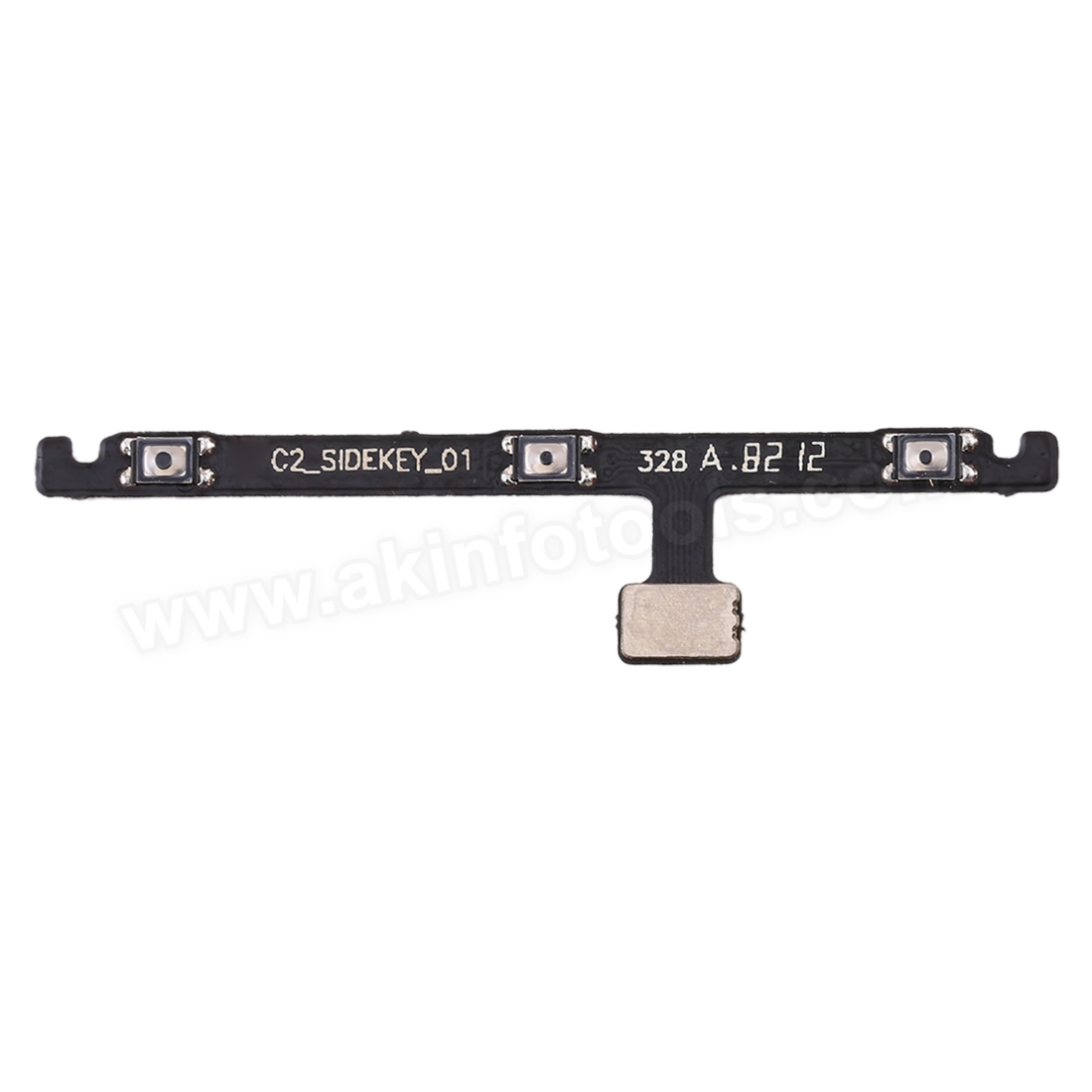
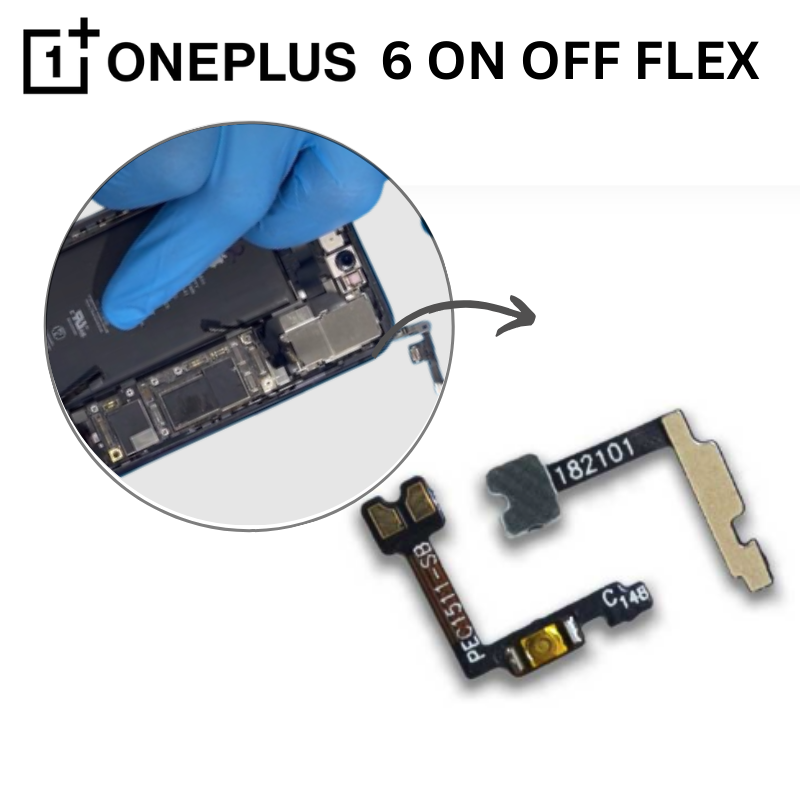
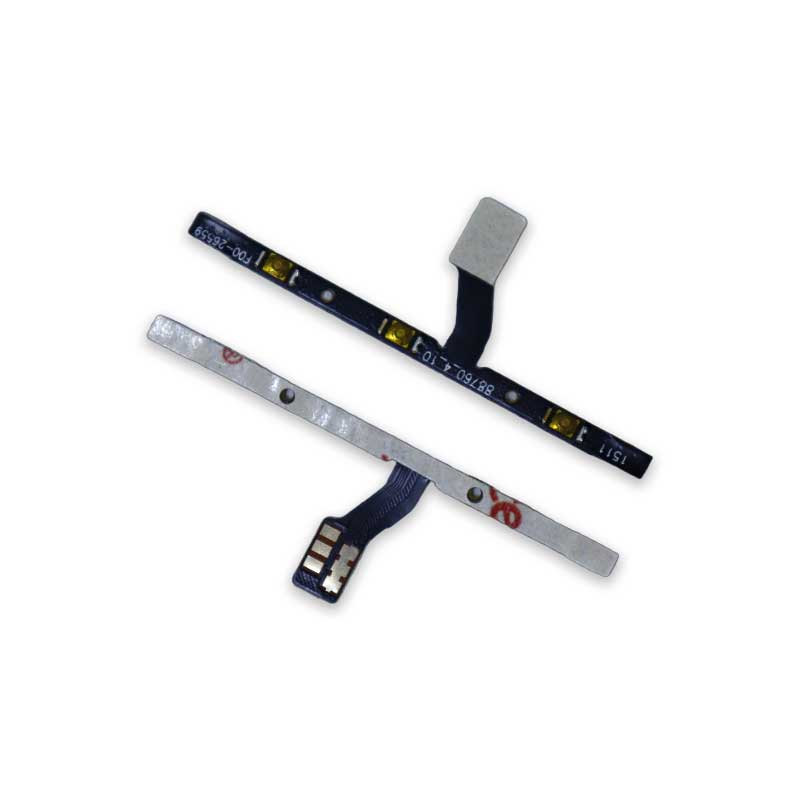
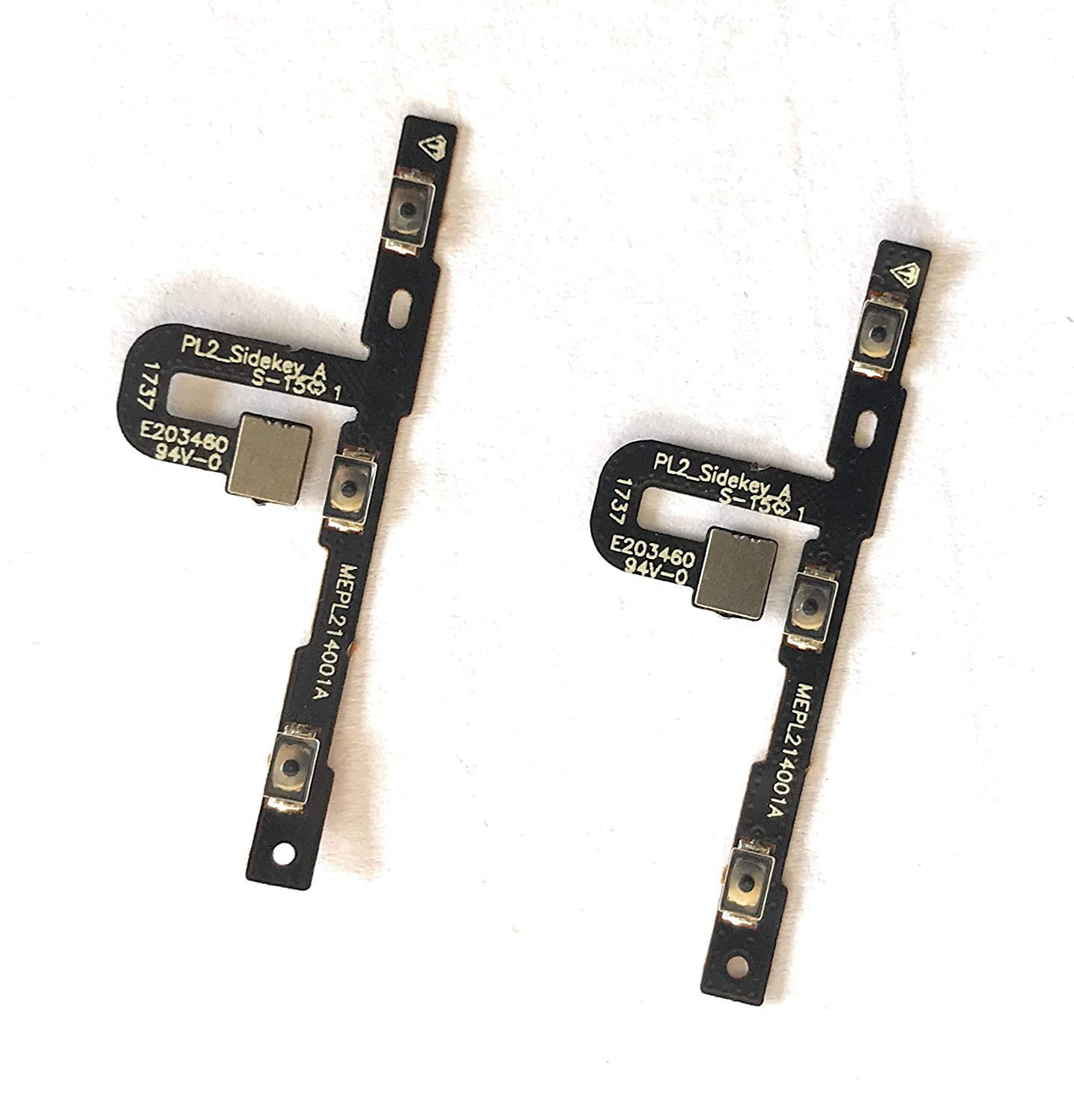
NOKIA 6.1 VOLUME POWER FLEX The Nokia 6.1 Volume Power Flex is a crucial component that facilitates the functionality of the volume buttons and power button on your Nokia 6.1 smartphone. If you're experiencing issues with adjusting the volume or powering on/off your device, replacing the Volume Power Flex may be necessary. Here's a simplified guide on how to replace the Nokia 6.1 Volume Power Flex: Preparation: Power off your Nokia 6.1 and ensure you have a clean, well-lit workspace. Gather all necessary tools including a Phillips screwdriver, plastic pry tools, and a replacement Nokia 6.1 Volume Power Flex. Disassembly: Use a plastic pry tool to gently separate the rear cover from the body of the phone. Be careful not to damage the rear cover or any internal components. Once the rear cover is removed, carefully disconnect the battery connector and any other connectors securing the motherboard. Locate the Volume Power Flex: The Volume Power Flex is typically located near the top of the device, adjacent to the physical volume buttons and power button. Identify the Volume Power Flex ribbon cable and its connector on the motherboard. Removal: Use a plastic pry tool to gently disconnect the connector attaching the Volume Power Flex to the motherboard. Once disconnected, carefully remove any adhesive or clips securing the Volume Power Flex in place. Installation: Align the replacement Nokia 6.1 Volume Power Flex with the connector on the motherboard. Carefully attach the connector, ensuring it is securely seated. If there is adhesive or clips, reapply or secure them accordingly. Reassembly: Reconnect the battery connector and any other connectors previously detached. Carefully reposition the motherboard and rear cover, ensuring all components are aligned properly. Testing: Power on your Nokia 6.1 and test the volume buttons and power button to ensure they are functioning correctly. If everything is working as expected, proceed to power off the device and secure all screws and panels. Final Check: Perform a final visual inspection to ensure all components are properly seated and aligned. Power on your Nokia 6.1 and confirm that all functions, including volume control and power on/off, are working correctly.